
I Use Arch BTW
Getting a refurbished ThinkPad, installing Arch Linux, and setting up i3, Alacritty, and Neovim from scratch.
Guys, I did it. I have found my way of restoring my virginity. Yes, I have a wife and a kid, but I have found the way to restore it… I’m running Arch (btw) now. All jokes aside, I got a new laptop, and around the tech world I’ve been seeing more and more people talking about and installing Arch. Sooooo I thought I would do the same, and boy, I did not know what I signed up for. Here’s why.
How My Wife Stole My Computer (And Why That’s Actually Great)
So for the past year, I haven’t had a need for my own laptop since I built my own PC as a graduation gift to myself, and it’s been wonderful. It’s the fastest computer I’ve ever owned and does everything I need it to do, which is great. My wife has a laptop I could use if needed, but there really hasn’t been any reason to.
However, this changed in April. My wife got a new job working remote. At first she said she could just use her laptop, but I encouraged her to use the desktop I built because when I’m at work, it’s just sitting there. So she started using it and now she loves it! I have a dual monitor setup, and she loves that for her work.
How does all this lead to me getting a laptop? Well, some days we’re both home, she needs to work, and I want to work on the computer. “Just use your wife’s laptop,” you might be thinking. Here’s the deal - it comes in two parts: one practical, one opinion.
First, the practical: we decided to hire a babysitter once a week to help my wife get the hours she needs for work. Sometimes on those days I don’t work and I’m home, but my wife and I don’t want to be at the house with the babysitter because our son will just want us and have a terrible time since we aren’t paying attention to him. So my wife will take her laptop somewhere to work, and I’d want to go somewhere to program, but she has the laptop… do you see what I’m saying?
Second, the opinion: I could leave the house, go to the library, and use their computers, or just do something that doesn’t require a computer (and some weeks I might). But for me, this is prime programming time, so I want to use a computer. The library and my wife’s laptop run Windows, and since switching to Linux Mint in May (see May 2025 wrap-up), I’ve gotten really used to developing in Linux.
“Use WSL,” you might say… here comes the opinion… WSL sucks. It’s just so bad and slow, and it’s Windows trying to be Linux while still being Windows, which is just a terrible experience. So with all that being said, like the true Linux gigachad user that I am, I bought a refurbished Lenovo ThinkPad to install Linux on.
Distro Decisions
Okay, as I mentioned, I’m running Arch Linux. “Why did you choose Arch?” I hear you asking (apparently I’m into quotes today), well let me tell you! So when I put Linux on my main PC, I wanted something that looks and feels like Windows so my wife could use it, and I just wanted it to work out of the box—Mint fit those categories perfectly. Since then, I’ve learned more about different distros and tools. Then I saw Pewds install Arch, followed by Prime, so I thought it was my turn. And wow, it is a completely different install experience than Mint. It took me two days to have an okay UI, and here I am a week later just now getting everything set up for development. It still isn’t perfect and all the way riced out the way I envisioned, but it’s most of the way there.
Arch is My Oyster
The thing I like about Arch is that, in the truest Linux fashion, I can do anything. Besides basic things needed to run, if it’s there, it’s because I want it there. Even though I like that philosophy, it took me a second to get used to it. There were some basic things I was accustomed to in Mint that I tried to do but couldn’t because I hadn’t installed them. Using a mixture of the Arch Wiki, Reddit, and ChatGPT, I was able to get a functioning Arch setup. Here’s my basic configuration:
Ly
For the login, I like the idea of having a TUI-type login, so I’m going with Ly. I haven’t done any configs on it yet because it’s the screen I spend the least amount of time on, so I think it’ll be my last priority for ricing.
i3 - X11
Originally, I thought I wanted AwesomeWM as my window manager because when I was telling my good friend ChatGPT what I wanted, it recommended it. However, the more I used it and tried to configure it, the more I realized it wasn’t quite what I was looking for. So I decided to switch to the ol’ faithful of Linux productivity: i3.
I hear it now: “What about Hyprland and Wayland?” (I should really stop with the quotes, but I’m having a good time). Here’s the honest and simple answer: accountability.
I struggled with pornography addiction for most of my life and stopped watching right before my wife and I started dating. However, in marriage, I fell back hard into that addiction. Many difficult months later, I’m free from it again and close to two years clean. Due to this, I run a monitoring program on my computers for accountability in my recovery journey, and the program (Accountable2You) doesn’t run on Wayland due to its security architecture.
I run this program not because I need to be monitored, but as a safety net. When you’re free from addiction, the ability to fall back is always the same distance away, but your ability to make better decisions becomes stronger. So it’s a guardrail—it’s easier to make good choices because I know the truth will eventually come out. I’ll either have to admit to poor choices or be found out, and that helps me stay free.
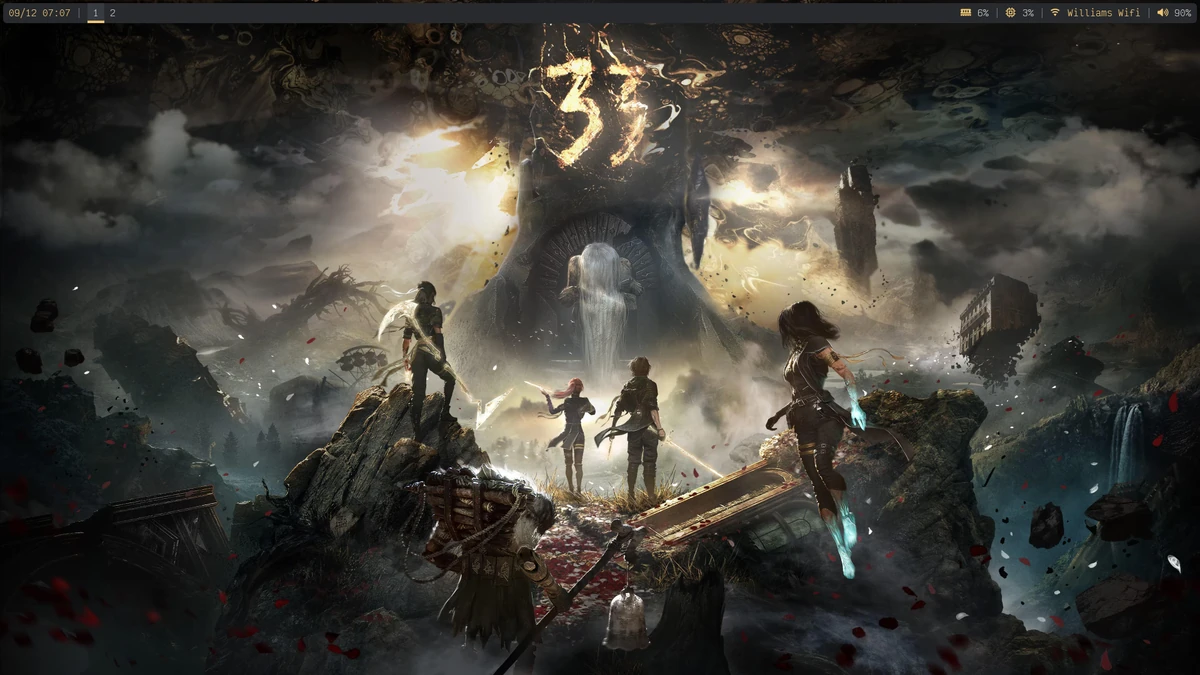
Okay, serious talk over—back to i3! With i3, I like that everything is in one config file and there’s extensive documentation and examples of everything I can do. I’m running Picom as a compositor, not for animations (I don’t want any animations or fades), but for one thing: transparency. Since I finished Clair Obscur last month and I’m still obsessed, I found a wallpaper I really like. For my status bar, I’m using Polybar and shifted some things to format it the way I want, but what I’m most proud of is that the colors match the background—really satisfying.
Alacritty
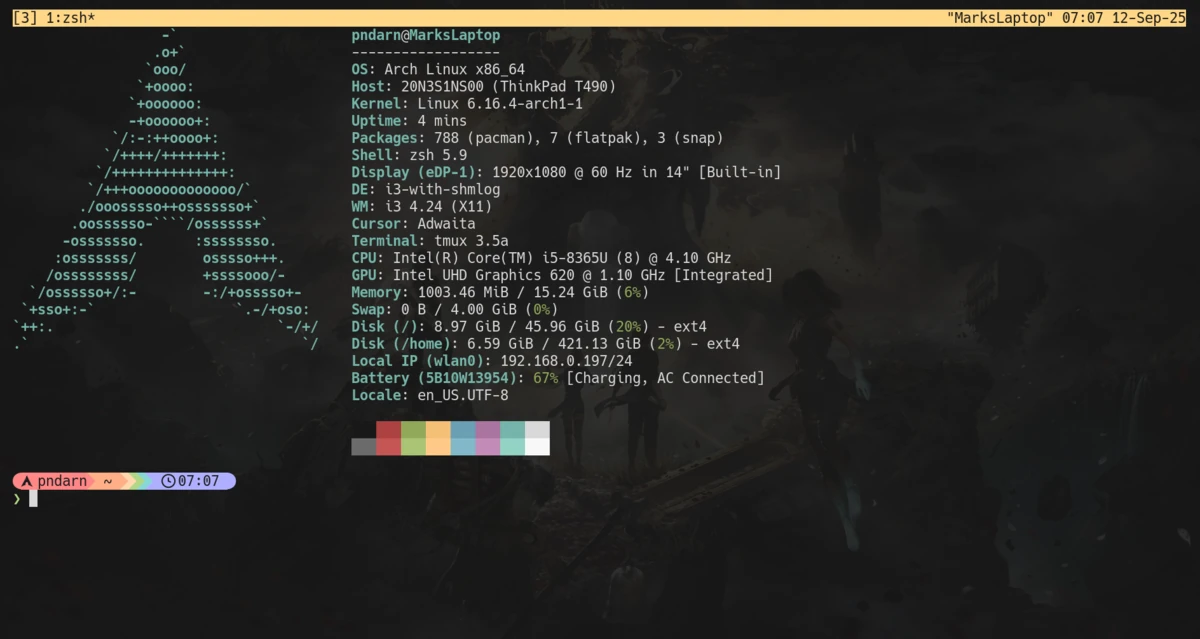
I’m running Alacritty because I love the setup I have on my main computer, so I’m using the same thing here. This is where I love my transparency—the background shows through my terminal, which I think looks really aesthetic. I won’t make it its own section, but my Tmux bar also color-matches the Polybar, so everything feels unified.
Neovim
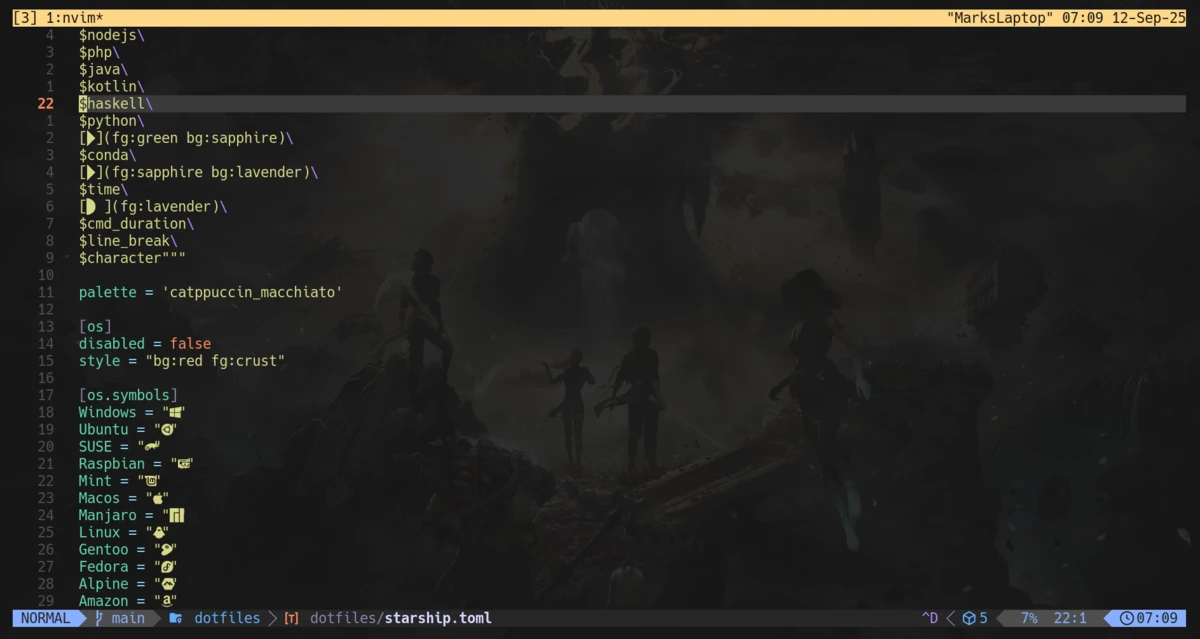
I’m lazy and I run LazyVim with some linters installed through Mason. Simple, sweet, gets the job done.
To Wrap This Up Like a Burrito
(Mark, why did you put that as a title?)
I’ve had a lot of fun learning Arch, and now I kinda get it. I understand the vibes and the pride of saying “I use Arch, by the way.” You should be proud—I barely scratched the surface and I feel proud. So now I have a working laptop running Arch that I can take places and do my dev work. Now that I’ve done this, who knows what I’ll build with it, but as they say:
“Journey before destination.”